It’s something that we’re all becoming too familiar with, the accumulation of unwanted or outdated technology. Our personal digital graveyards are expanding. It might be a box in the basement or a drawer filled with old phones, tablets that the kids outgrew, laptops we replaced years ago, or a tangle of chargers that don’t seem to work on anything we own.
It’s tempting to ignore the problem. But every old device has value that could be recovered, is equipment that someone else could use, or is electronic waste that could end up in the wrong place if it is not handled correctly. Dealing with electronic waste also has personal security implications, as many devices contain personally identifiable information.
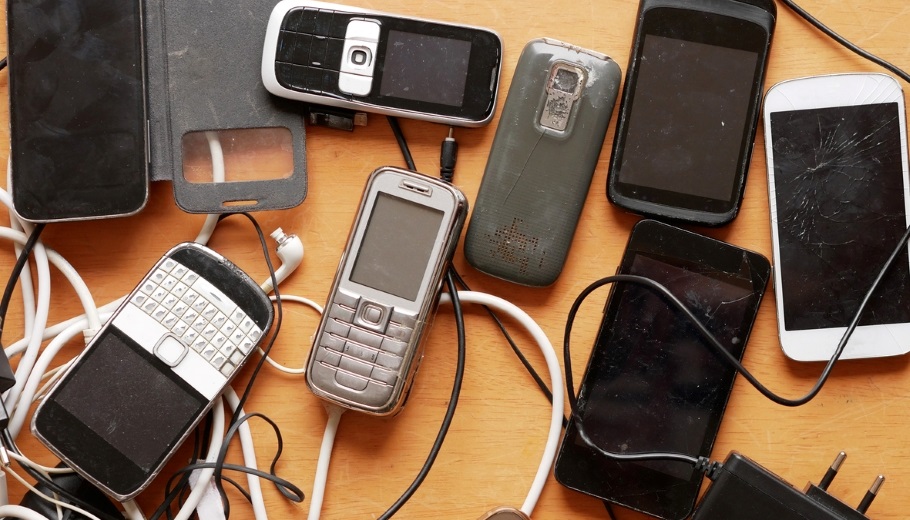
Here’s a step-by-step guide on how you can undergo a digital declutter:
Step 1: Decide whether to sell or donate
When to sell:
The device is less than about five years old, still holds a charge, and has no major cracks or functional problems. These devices could hold real value, especially phones and tablets.
When to donate:
The device is functional but its resale value is low, you do not want to deal with shipping or listings, or if you want the device to reach people in need through a non-profit organization.
When to recycle:
The device will not power on, has a swollen battery, has a cracked screen so severe that repair would exceed its value, or is more than 7-10 years old. Donating broken equipment is not generosity, it just shifts disposal cost to someone else.
Step 2: Back up everything before you wipe anything
Once you start a factory reset, the data on a modern device is gone, so spend the time making sure you don’t lose anything you intend to keep. On iPhone or iPad, run an iCloud backup or back up locally. on Android, use the built-in Google backup. On a laptop, copy your important files and folders to an external drive or cloud service and confirm your password manager is fully synced to another device.
Step 3: Sign out, then wipe your device
Modern phones and laptops have anti-theft locks that can render a wiped device useless to the next owner if you do not first remove your accounts. Pull the SIM and microSD cards and unpair Bluetooth accessories. Then run the factory reset from the device’s built-in settings. You will need to overwrite or physically destroy the drive of any older laptop that still uses a spinning disk.
Step 4: Clean up and document the condition
Wipe your device down with a microfiber cloth and isopropyl alcohol. Remove cases, clean ports with a wooden toothpick, and gather the original charger and box if you still have them. Original accessories can increase resale value and make a donation more useful to the recipient.
Write down honest details about the device's condition. Note the model, storage size, battery health, any cosmetic damage, and whether the charger and original packaging are included.
Step 5: How to sell or donate responsibly
How to list for sale
Trade-in programs from manufacturers and major retailers are the easiest option. You could get a fast quote, prepaid shipping, and they may handle the wipe for you. You will get less money than a private sale, but the convenience is hard to beat. Specialist resellers like Gazelle and Swappa can result in more money, but also slightly more work. You can also consider private listing on eBay or Facebook Marketplace. For local sales, meet in a public place, accept cash or instant payment, and never turn the item over before payment clears.
To set a fair price, search the same model on completed listings rather than active listings. Price slightly below the median for a quick sale or at the median if you’re not in a hurry.
How to donate
If you want the device to go to good use, target organizations whose entire purpose is refurbishing and redistributing technology. Here are a few options to consider.
- PCs for People – A local option that refurbishes computers and ships them to low-income families nationwide.
- Free Geek Twin Cities – A local option that focuses on finding a new home for used electronics or recycling when reuse isn’t an option.
- Repowered – Another local option that refurbishes or recycles items depending on value and condition.
- Cell Phones for Soldiers – A program that collects used cell phones to benefit active-duty military members and veterans.
Before dropping anything off, call or email and ask what they are currently accepting.
Get a receipt and understand the tax rules
In the United States, donations of used technology to a qualified nonprofit are tax-deductible at the device’s fair market value, not what you paid for it new. You will need an itemized receipt from the charity, and for any single donation valued above $500 you must file IRS Form 8283 with your return.
How to recycle
Some devices are too old or damaged to hold any value. Consider these options when it’s time to dispose of your old electronics.
- Many refurbishers from the “How to donate” section of this article will evaluate your device and recycle if refurbishment is not an option.
- Electronics Recycling of Minnesota – An R2 certified electronics recycler in Minneapolis.
- Hennepin County drop-off facilities – A Hennepin County facility that will take devices for a fee.
- Best Buy – A retailer with an electronics recycling program.
- Target – A retailer with an electronics recycling program.
The bigger picture
Every phone, laptop, and tablet you keep in circulation is one fewer that has to be manufactured from scratch, and one fewer sitting in a drawer waiting to get sent to the landfill. Disposing of old electronics isn’t complicated, but it does need to be done with care and intention. The more consistently you sell or properly recycling old electronics, the easier it will become.